
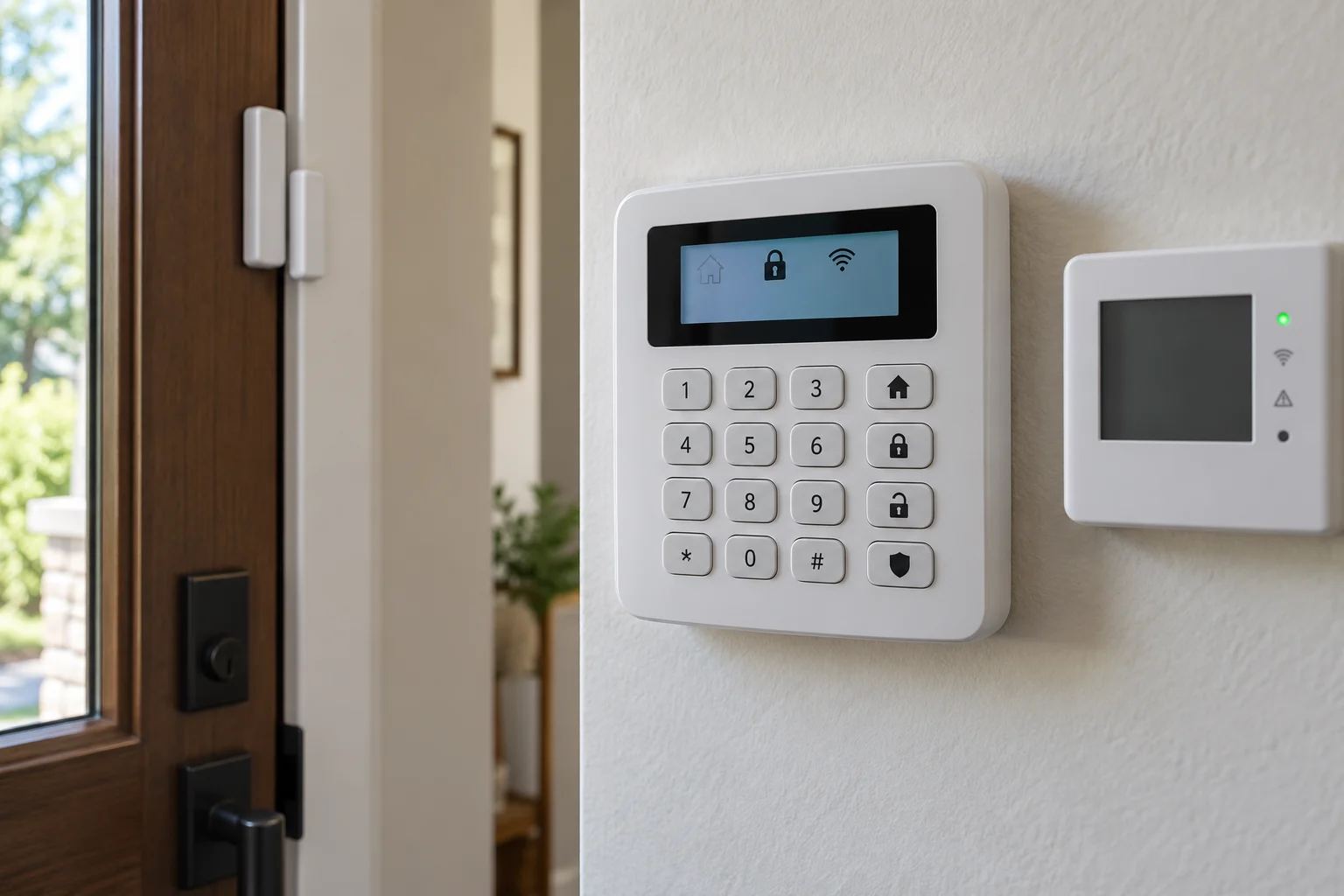
How we help
Build an intrusion alarm around your property's entry points and daily routines. Choose the sensors, alerts and monitoring arrangement that suit the way you use the space.
Who it's for
- Retail stores and restaurants with large display glass
- Offices and warehouses that sit empty overnight
Suitable properties
- Single-family house
- Contacts on every exterior door, motion on main paths, a cellular communicator and stay/away/night modes.
- Retail storefront
- Door contacts plus glass-break or shock sensors on display windows, with a cellular communicator.
- Office suite or warehouse
- Zoned by area with individual user codes, often professionally monitored.
Main options
- Professionally monitored
- Signals go to a staffed central station that calls you and dispatches police; monthly fee, sometimes required by insurers or leases.
- Self-monitored
- Alerts go to your phone and you decide whether to call 911; no monthly fee, but depends on you seeing the alert.
- Wireless system
- Adhesive-mounted sensors and a plug-in panel; suits rentals and finished spaces.
- Wired system
- Hardwired sensors for new construction or open ceilings; no sensor batteries to replace.
Alarm equipment
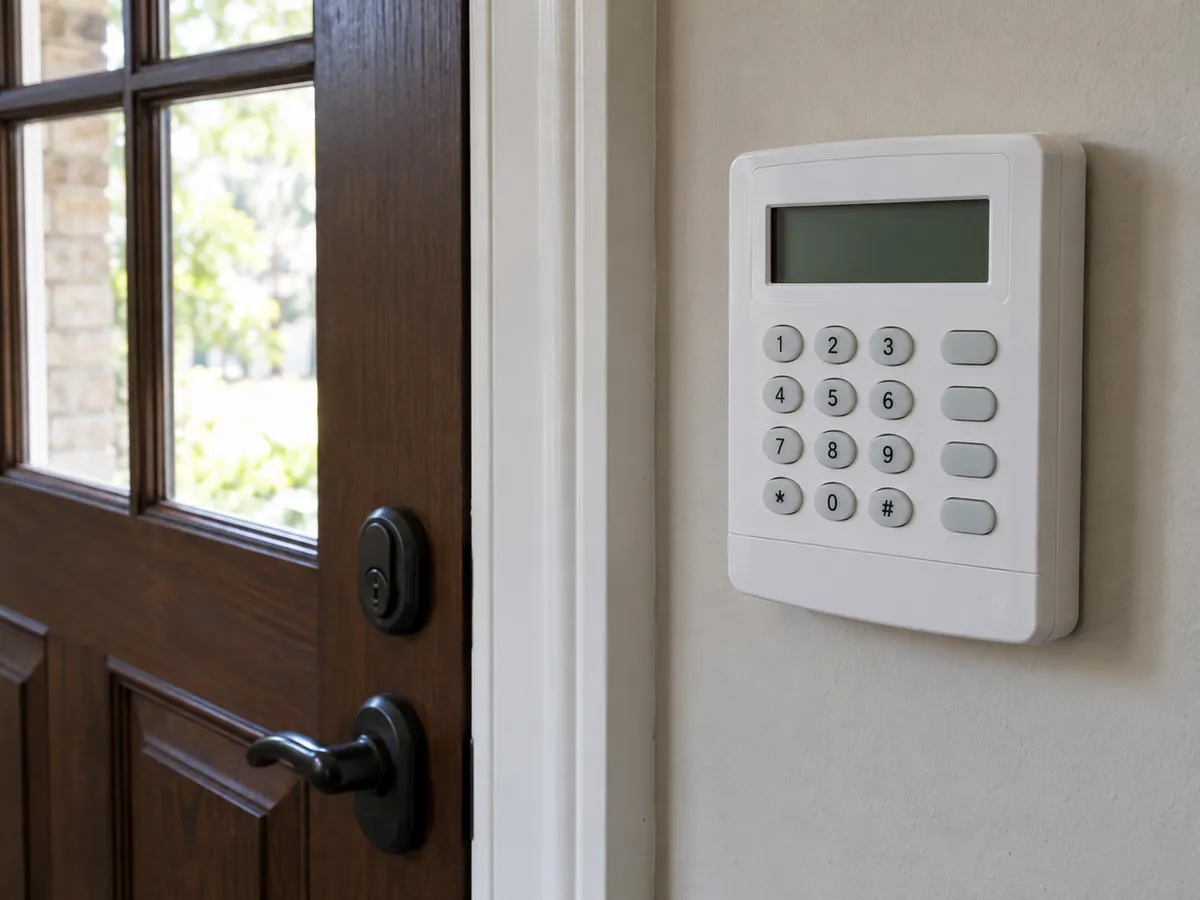
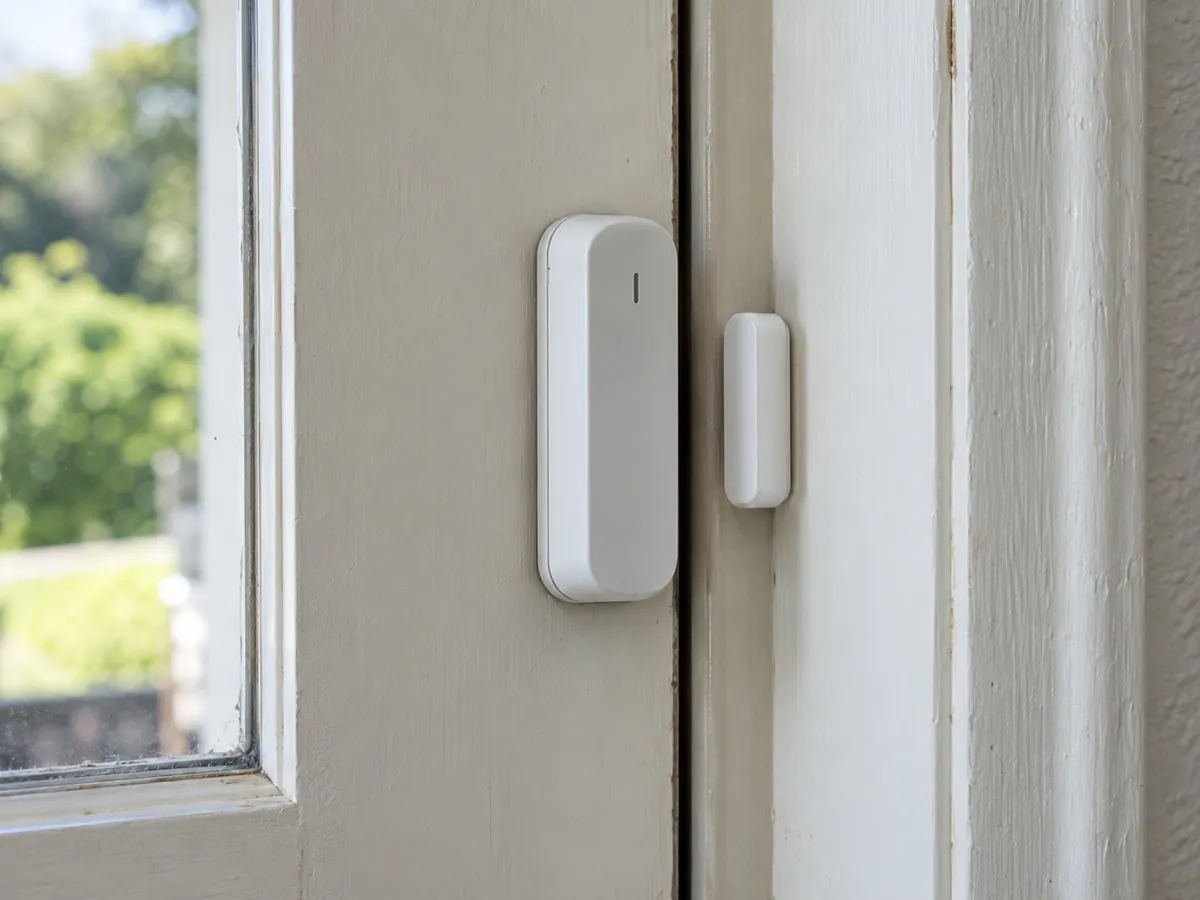
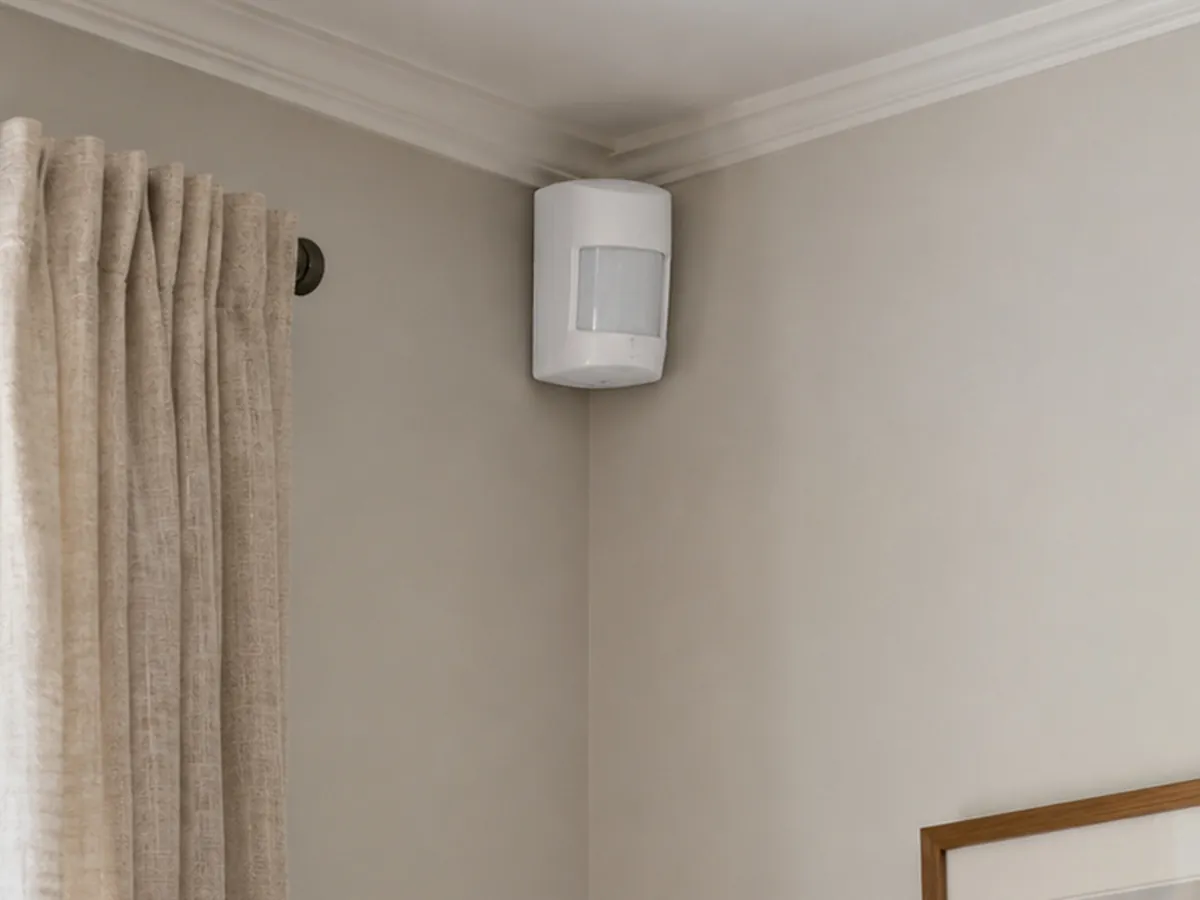
Survey, installation and support
- 01A walk-through maps every entry point, glass area and interior path an intruder would use.
- 02The design sets zones, sensor types and arming modes (away, stay, night).
- 03You receive a written, itemized proposal with equipment, labor, monitoring options and any permit steps for your town.
- 04The panel, sensors, siren and cellular communicator are installed and each zone is tested.
- 05Handover trains every user on arming, disarming, codes and how to cancel a false alarm.
- 06Ongoing support covers sensor faults, battery replacement and adding users.
Typical timeline: About 1 day for most homes and small stores; 2-3 days for larger businesses
Monitored or self-monitored alarm: which do I need?
Read the answer
A professionally monitored alarm sends signals to a central station staffed around the clock, which calls you and dispatches police if needed. Insurers sometimes discount premiums for monitored systems, and some commercial leases or insurance policies require it. Check your own policy.
Self-monitoring sends alerts to your phone and you decide whether to call 911. It has no monthly fee but relies on you seeing the alert, which is a weak point when you are asleep, on a plane or in a meeting.
Either way, choose a cellular communicator rather than a landline or internet-only connection. A burglar who cuts the phone line or the cable box outside a storefront should not be able to silence the alarm.
Common questions
Can an alarm be installed without drilling in a rental apartment?
Yes. Wireless sensors mount with adhesive, and the panel plugs into an outlet. When you move, the system comes with you.
Will the alarm work if the power or internet goes out?
With a backup battery in the panel and a cellular communicator, it keeps protecting and reporting during outages. Internet-only systems do not.
Can cameras be connected to the alarm?
Yes. Many panels show camera clips in the same app, so you can see what triggered an alarm before deciding whether to call police.
Do I need a monthly contract?
Only if you choose professional monitoring. Self-monitored systems have no monthly fee. Read any monitoring contract term before you sign.
Do storefronts need glass-break sensors?
They are worth it for large display windows. A door contact alone will not catch someone who breaks the glass and climbs through.