
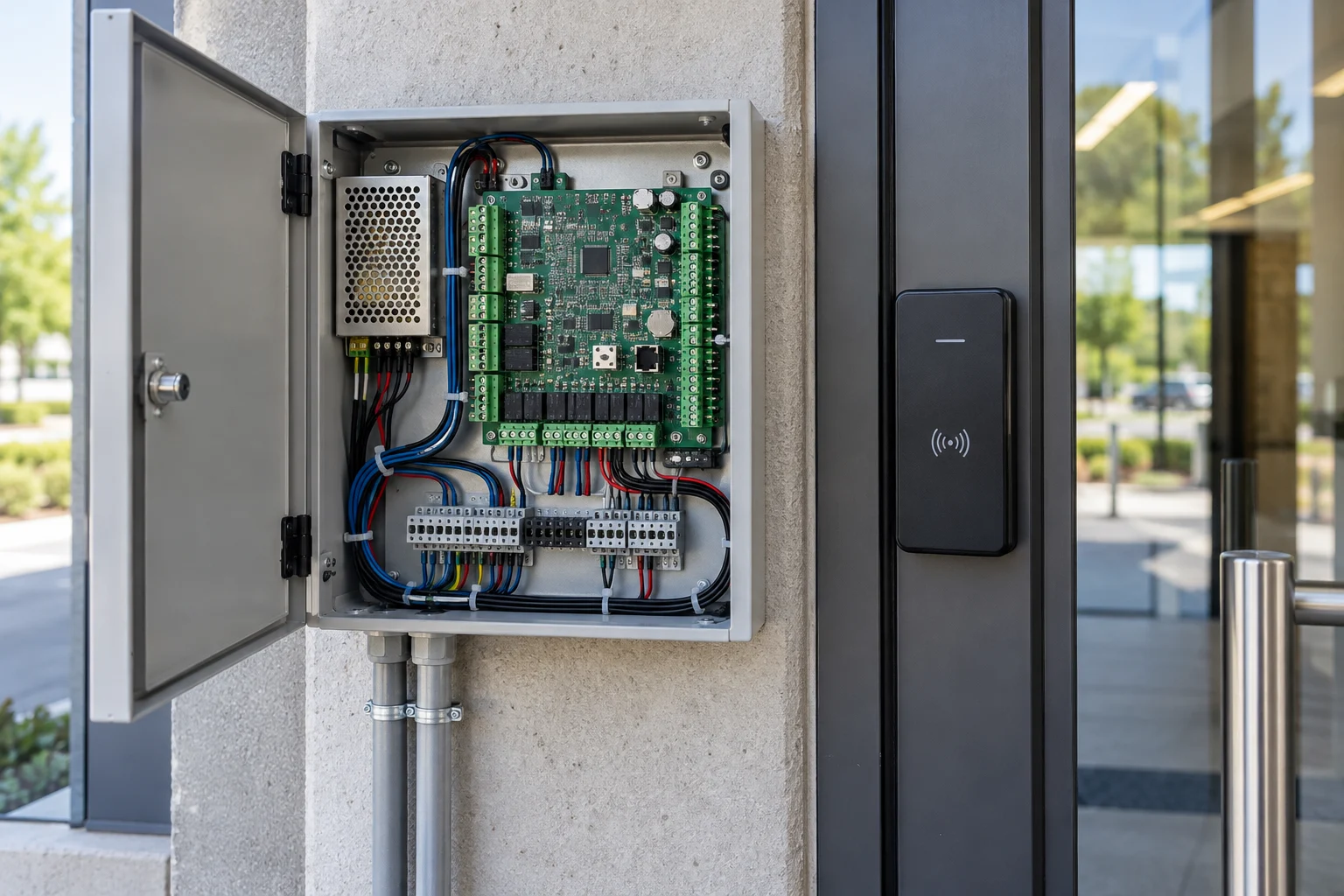
How we help
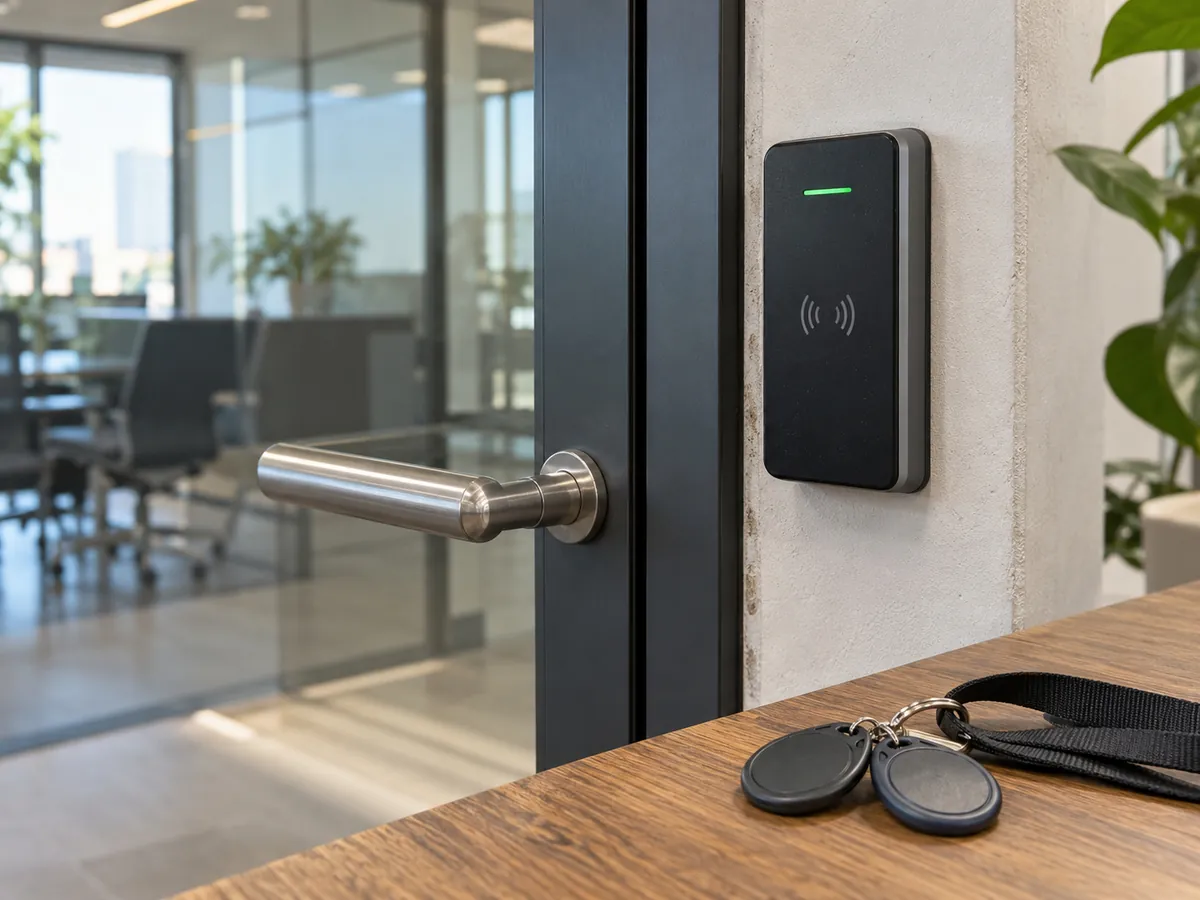
Replace everyday key handovers with cards, fobs, codes or mobile credentials. We help you choose a system that fits your doors, users and management needs.
Who it's for
- Small businesses tired of rekeying after staff changes
- Offices with several doors or locations
- Medical, retail and back-of-house doors that need entry logs (networked or cloud systems)
Suitable properties
- Office suite
- Networked readers on the suite entrance and server room, with phone credentials and cards.
- Retail storefront
- A standalone keypad or fob lock on the back or stockroom door.
- Medical or professional office
- Readers on entry and records rooms with entry logs and schedules.
Main options
- Standalone keypad or fob lock
- Codes stored in the lock, no network; affordable, but each lock is managed in person.
- Networked or cloud system
- Users, schedules and entry logs managed from a computer or phone across doors and sites.
- Mobile credentials
- Employees unlock with their phones; fewer cards, with a backup for staff without phones.
Access control hardware
Survey, installation and support
- 01A site survey covers the doors, frames, power and network availability, and who needs access and when.
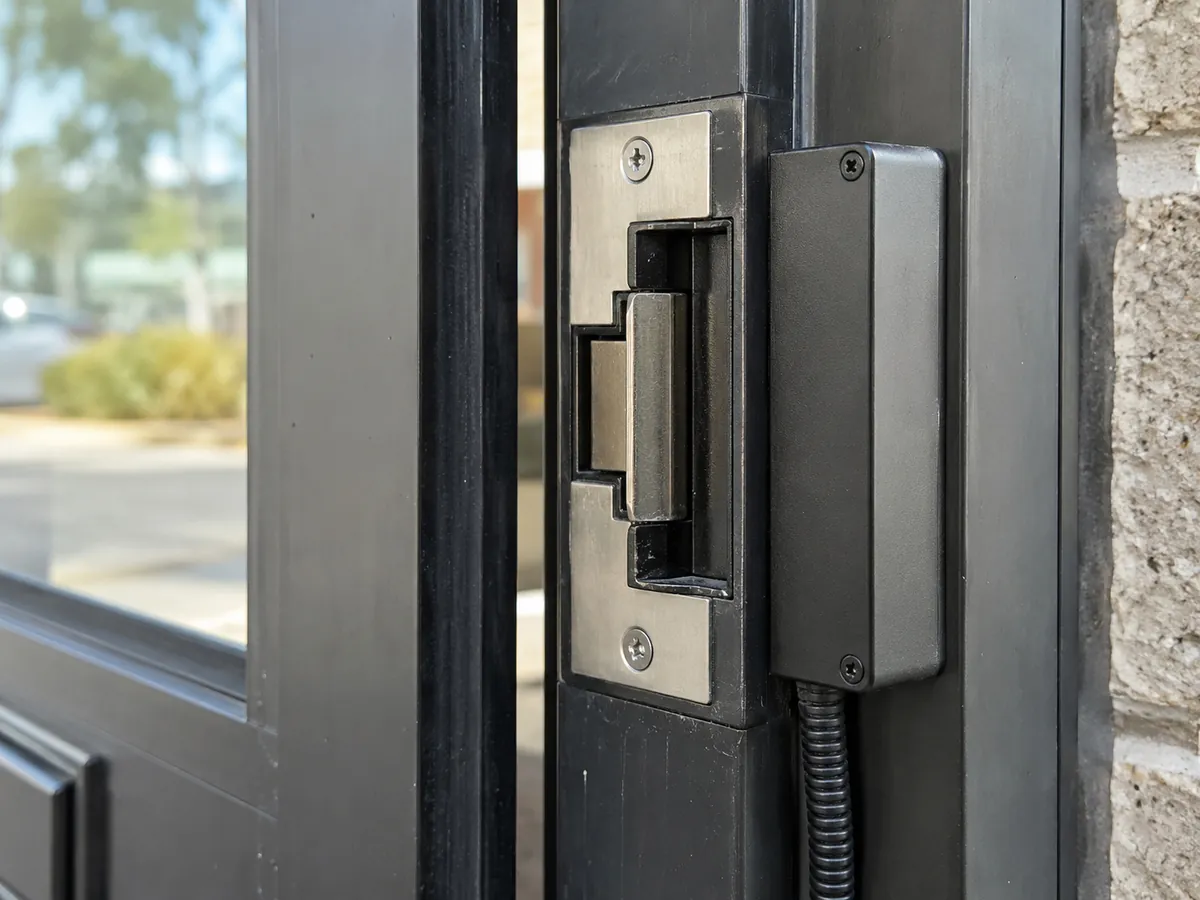
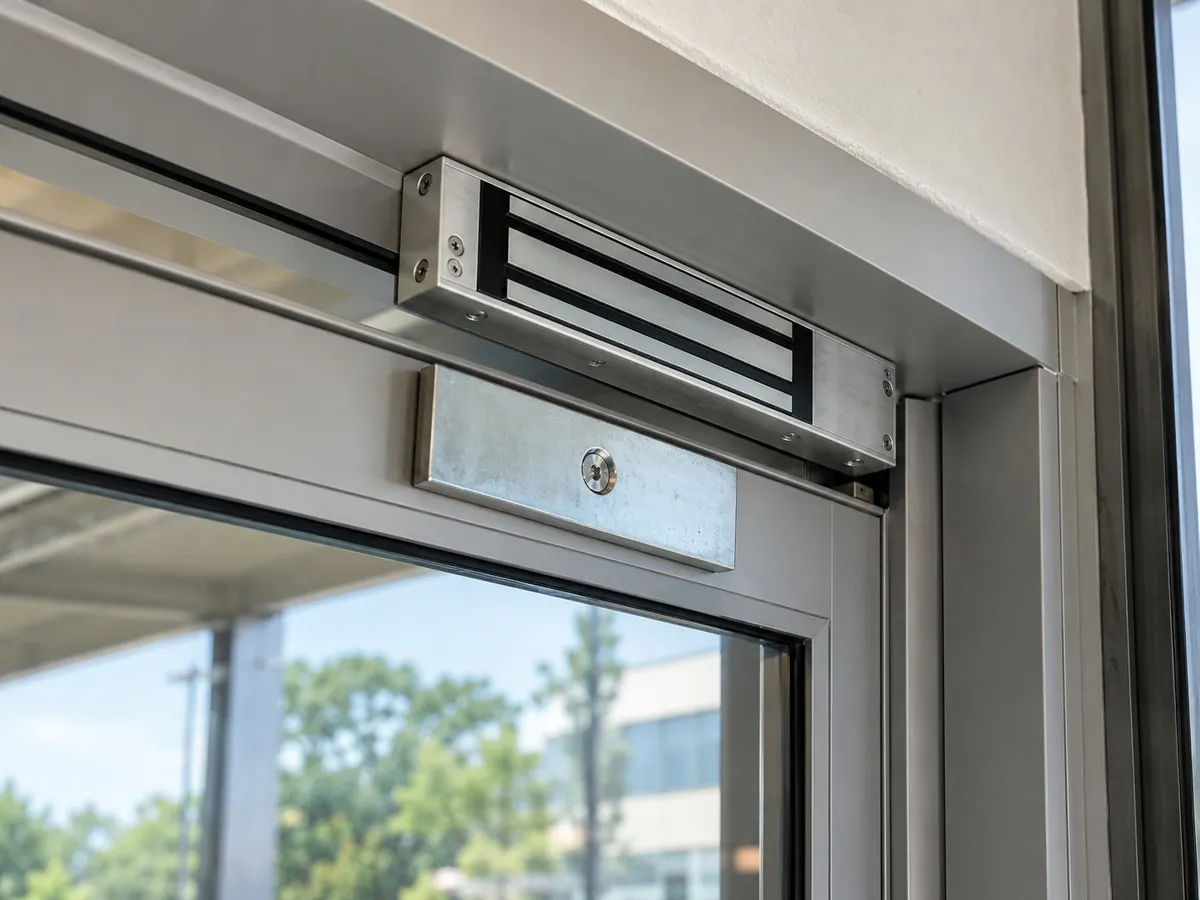
- 02The design chooses the locking hardware for each door (electric strike, electrified mortise lock, maglock or electric latch retraction) and the credential type.
- 03You receive a written, itemized proposal with hardware, labor, software licenses and any approvals the building or code requires.
- 04Wiring is run, readers and controllers are mounted, and the lock hardware and power supply are connected.
- 05Handover covers configuring users and schedules, fire alarm release where required, and training staff to add and remove users.
- 06Ongoing support covers door hardware, reader faults and software changes.
Typical timeline: Half a day to several days, depending on the number of doors
Compatibility and limits
- Doors in the means of egress must allow free exit, and electrified locks often must release on fire alarm.
- Maglocks need an approved exit method and are tightly regulated.
- Electrified hardware on fire-rated doors must be listed for fire doors.
- For office buildings, confirm management approval before work on tenant doors.
What type of access control is right for my business?
Read the answer
Small businesses with one or two doors often do well with standalone keypad or fob locks, which require no network and store codes in the lock. They are affordable but managing users requires visiting each lock.
Businesses with several doors or locations benefit from networked or cloud-based systems, which let you manage users from a computer or phone, set schedules and see entry logs.
Mobile credentials let employees unlock doors with their phones. They reduce card costs but require a reliable app and a policy for employees without phones.
Electric strike or maglock: which should I use?
Read the answer
An electric strike replaces the strike in the door frame and releases the latch when access is granted. The door still has a mechanical lock, so it remains secure if power fails (in fail-secure mode).
A maglock is an electromagnet that holds the door closed. It is strong and simple but must release when power is cut, and it requires an approved exit method. Fire and building codes regulate maglocks, so check with your code consultant or the building's fire safety director.
Electrified mortise locks and electric latch retraction on exit devices, such as Von Duprin EL, provide a cleaner solution on many commercial doors. The right hardware depends on each opening.
Common questions
Can access control work with my existing locks?
Sometimes. An electric strike can be added to many existing locks. Other doors need electrified hardware.
What happens when the power goes out?
It depends on the setup. Fail-secure locks stay locked but allow exit; fail-safe locks unlock. Battery backup keeps the system running during short outages.
Can I manage access from my phone?
Yes, with most cloud-based systems. You can add or remove users, change schedules, check entry logs and unlock a door remotely from an app.
Can access control be used in apartment buildings?
For shared residential entry systems, agree access methods and data handling with building management before selecting equipment. Confirm applicable local requirements for the specific property.
How long does installation take?
A single standalone keypad door can be done in a few hours. A networked multi-door system can take several days.