
How we help
Use codes, fobs or smart credentials for the people who need entry. Choose simple stand-alone access or a managed system with the controls your property needs.
Who it's for
- Homeowners and renters who want codes instead of spare keys
- Small offices that need to add and remove staff without rekeying
- Landlords of small buildings managing tenants, cleaners and contractors
Suitable properties
- House or apartment door
- A Grade 1 or 2 smart deadbolt with a reinforced strike and a mechanical key override.
- Office suite
- Encrypted fob or phone credentials on the suite entrance, with individual users added and removed by the office manager.
- Small multi-family building
- Fob or keypad access at the street door, with a policy written for Minneapolis tenant data rules.
Main options
- Keypad deadbolt or smart lock
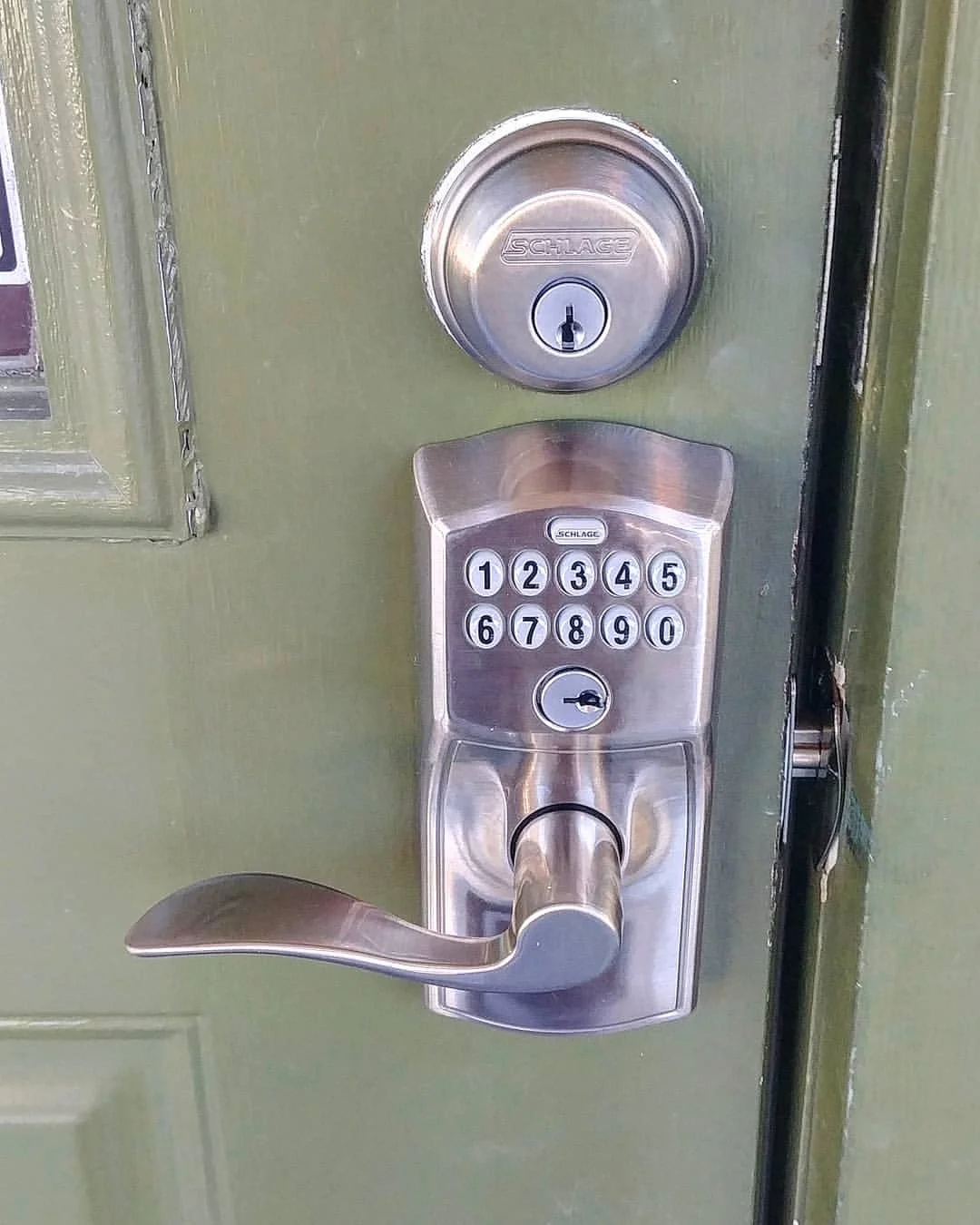
- One door, individual user codes, mechanical key override. Schlage Encode and Yale Assure are common on apartment doors.
- Commercial keypad lever
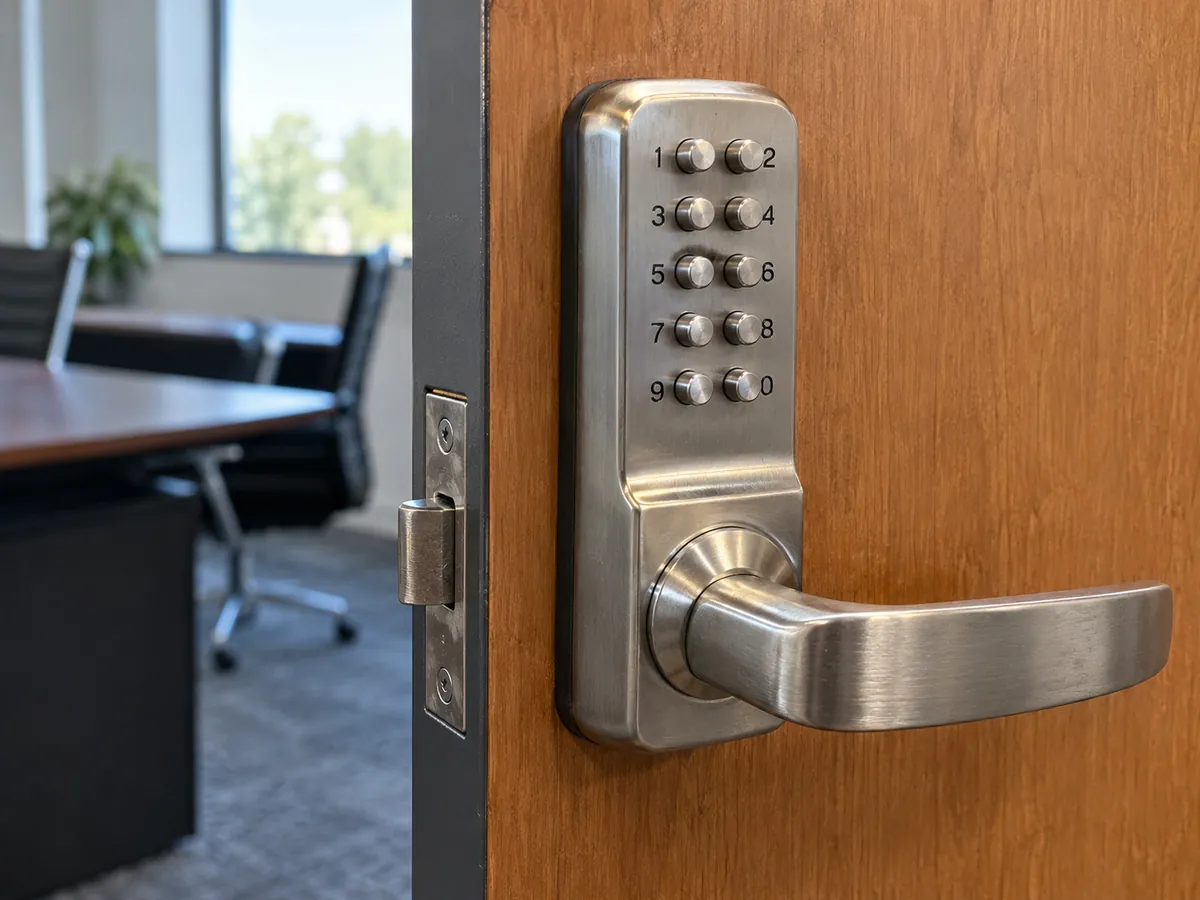
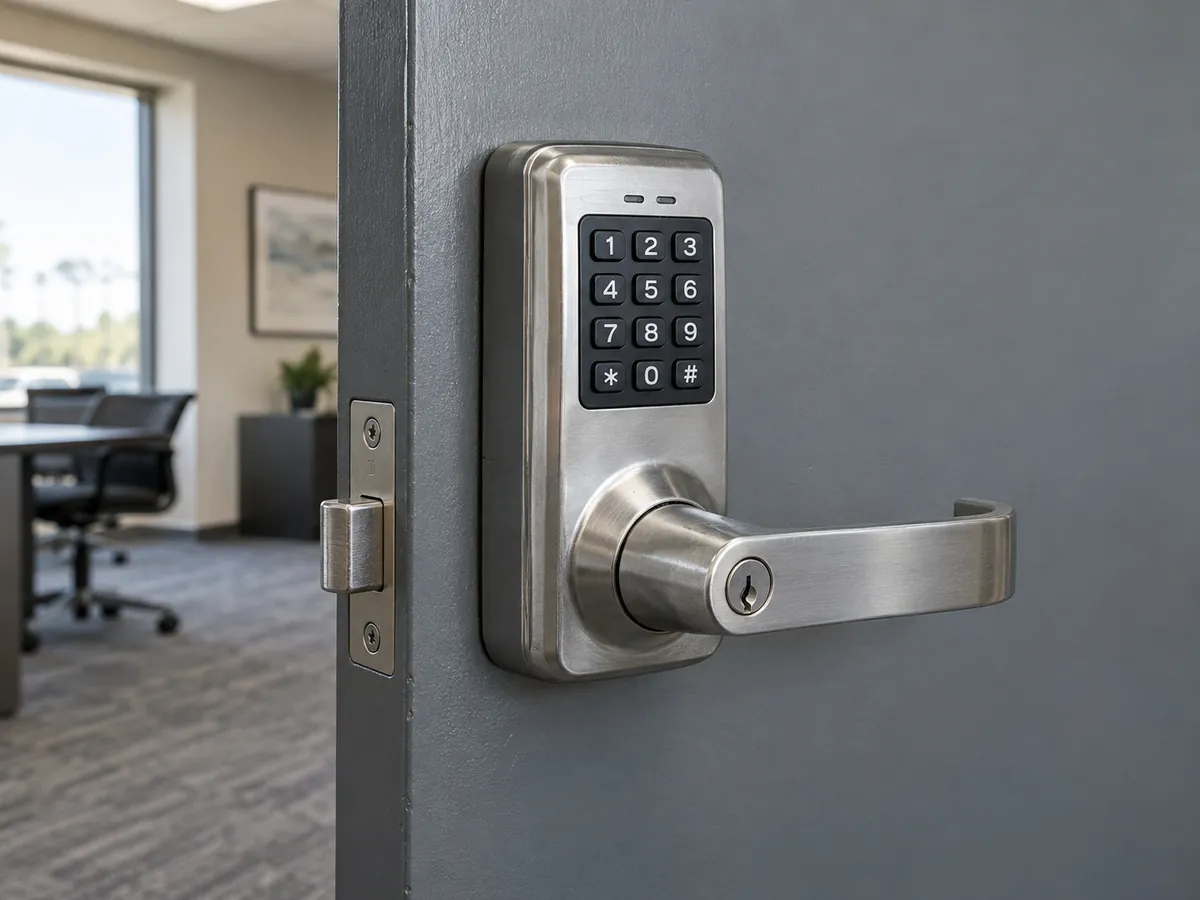
- Grade 1 keypad hardware for heavy-use doors that outlasts most consumer smart locks.
- Encrypted fob or card system
- Each person gets a unique credential that can be cancelled; HID iCLASS SE or Seos and MIFARE DESFire are secure formats.
- Phone credentials
- Unlock from an app; convenient for remote management, with a code or key kept as a backup.
Smart lock or keyless entry system?
A smart lock is one lock on your own door that you control from your phone: app unlocking, voice assistants, auto-lock and alerts. A keyless entry system is about managing many people: codes, fobs or phone credentials for staff, tenants or contractors, often on several doors, with schedules and entry logs.
Want one app-controlled lock for your own front door? See Smart Lock Installation.
Keyless entry hardware
Survey, installation and support
- 01A survey of the doors records thickness, backset, existing lock type and how often each door is used.
- 02The design picks keypad, fob, smart lock or a combination, with a mechanical key override.
- 03You receive a written, itemized proposal listing hardware grade, labor and any app subscription.
- 04Installation includes aligning the door so the bolt throws freely and setting up codes or credentials.
- 05Handover covers adding and deleting users, changing codes and replacing batteries.
- 06Ongoing support covers programming changes, lockouts and battery or hardware faults.
Typical timeline: 1-2 hours per residential door; about 1 day for a small multi-door system
Keypad, fob or phone app: which keyless entry should I choose?
Read the answer
Keypads are simple and need no credential to carry, but codes get shared. Change them when staff or tenants leave, and choose a model that supports individual user codes so you can delete one person without resetting everyone.
Fobs and cards are better for offices and small buildings because each person has a unique credential that can be cancelled. Prefer encrypted formats such as HID iCLASS SE or Seos or MIFARE DESFire over older 125 kHz proximity cards, which are easy to copy.
Phone credentials suit owners who manage access remotely. They are convenient for dog walkers and cleaners, but keep a physical code or key as a backup for people whose phone battery dies at the door.
How do you add and remove users on a keyless entry system?
Read the answer
Each person gets their own code, fob or phone credential instead of a shared key. When someone leaves, you delete that one credential; nobody else is affected and no cylinder has to be changed.
A standalone keypad lock is managed at the lock or through its app, which suits one or two doors and a handful of users. A networked or cloud system manages many doors and people from one dashboard, can limit access to set hours, and keeps an entry log of which credential opened which door and when. Count the doors, the number of users and how often they change before choosing.
Common questions
How do I lock out a former employee?
Delete that person's code, fob or phone credential. On most systems it takes a minute and everyone else keeps their access. If they also had a mechanical override key, rekey that cylinder too.
Can a keyless lock go on an apartment door with a mortise lock?
Yes. Several manufacturers make keypad and smart mortise locks, or a keyless deadbolt can be added above the existing mortise lock if the door and building rules allow.
Are fobs more secure than keypad codes?
Encrypted fobs are, because each one is unique and can be deleted individually. Old 125 kHz proximity fobs can be copied cheaply, so encrypted credentials are the better choice.
What should I confirm before switching to keyless apartment access?
For shared residential entry systems, agree access methods and data handling with building management before selecting equipment. Confirm applicable local requirements for the specific property.
Can I manage codes from my phone?
Yes, with Wi-Fi or hub-connected locks. Some charge a subscription for remote management and audit trails, so check that before you buy.